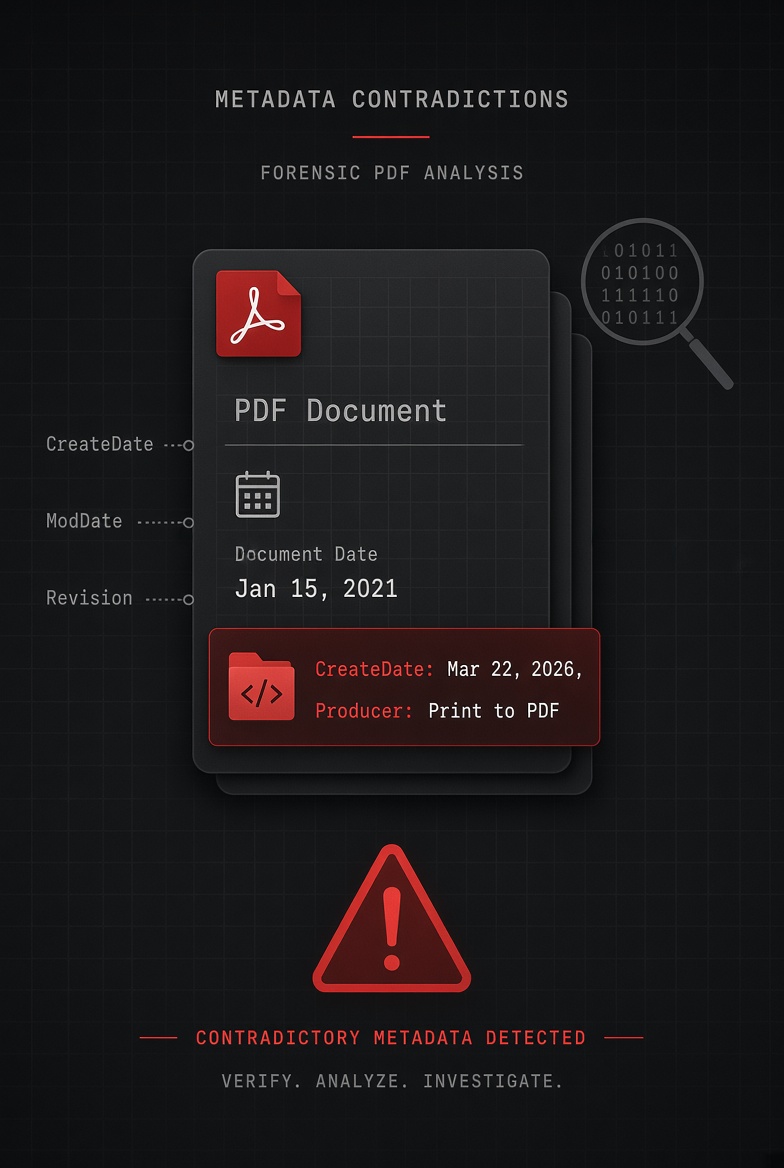

When you paste text from ChatGPT, Gemini, or Claude into Word or Google Docs and export to PDF, the resulting file's metadata names the export application, not the AI tool. We tested this directly: the Creator and Producer fields showed the word processor, the Author field showed a generic account name, and nothing in the file mentioned AI at all. A couple of weaker signals, like a very low revision count, can hint at a paste-and-export workflow, but they prove nothing on their own.
Search "does AI writing show up in PDF metadata" and you'll find a lot of confident-sounding guesses and almost no one who actually checked. So we checked. We built a document containing the kind of prose an AI assistant typically produces, ran it through a standard document-to-PDF export pipeline, and opened the resulting file's raw properties with the same command-line tools a forensic examiner would use. What we found settles the question more cleanly than most of the speculation floating around, and it comes with a genuinely new wrinkle: a 2026 regulation that was supposed to make AI content machine-readable, and why it still doesn't reach this particular workflow.
#1. We Actually Tested This
The setup was simple. We created a short business document, a marketing strategy overview with headings, bullet points, and a timeline, structured exactly the way AI assistants typically format this kind of output. We saved it as a Word-format document and ran it through a standard office-suite PDF export, the same underlying mechanism Microsoft Word, LibreOffice, and similar applications all use. Then we inspected the resulting PDF's metadata directly with pdfinfo, a command-line tool that reads a file's raw Info dictionary without altering it.
Here's exactly what came back:
# read-only inspection of the exported file's actual metadata
Author: python-docx
Creator: Writer
Producer: LibreOffice 24.2
CreationDate: Sun Oct 4 2026 16:28:09 UTC
Pages: 1
No mention of any AI tool anywhere in the file. The Author field shows the identity of whatever created the source document, in our case the script that built it; in a real-world scenario, that field would show the name tied to the person's Word or Google account. The Creator field names the word processor application. The Producer field names the software that actually performed the PDF conversion. None of these fields have any mechanism for recording that the words inside the document originated from a conversation with an AI assistant, because that information was never part of the file format to begin with. It lives, if it lives anywhere, in the AI platform's own chat history, which the PDF export process has no access to and no reason to reference.
We ran a second test using a different PDF-generation method, a programmatic library rather than a word processor, to see whether that changed anything structurally. It didn't change the conclusion, only the specific names involved: the Producer field named the generating library instead of an office application. The pattern holds regardless of which tool performs the export. The field always names the software doing the exporting. It never names the source of the words.
#2. What Word, Docs, and Chrome Actually Write Into the File
To be precise about what "the export application" means in practice, here's what each major path actually writes, based on our own test and on real-world PDF samples that have been publicly documented by digital forensics researchers and by Google's and Microsoft's own technical teams.
| Export path | Creator field shows | Producer field shows | Names the AI tool? |
|---|---|---|---|
| Microsoft Word, Save/Export as PDF | Microsoft® Word (version-specific) | Microsoft® Word (version-specific) | No |
| Google Docs, File → Download → PDF | Google Docs | Skia/PDF m[version] | No |
| Chrome or Edge, Print → Save as PDF | Chromium | Skia/PDF m[version] | No |
| LibreOffice Writer, Export as PDF (our test) | Writer | LibreOffice 24.2 | No |
| Programmatic PDF generation (our second test) | Varies by library | Names the specific library used | No |
Every single path leads to the same place: the field describes the pipe the document flowed through, not the source of the water. This is true of Word documents, Google Docs, and Chrome print jobs equally, which is worth underlining because people sometimes assume Google's tools behave differently given how closely Gemini is woven into Workspace. They don't. Gemini can draft text directly inside a Google Doc, but once that document is exported to PDF, the metadata reflects Google Docs as the exporting application, exactly as it would for a document a person typed from scratch.
#3. The Author Field Is Misleading in Both Directions
It's worth sitting with one specific implication of this, because it cuts against the intuition most people bring to this question. People tend to assume that if AI writing leaves no trace, the Author field will at least look suspiciously blank or generic. It usually doesn't. The Author field, and the related last-modified-by field, pull directly from whatever name is configured in the exporting application's own account settings, the same name that would appear on a document that person wrote entirely by hand.
That cuts both ways. It means a document can be entirely AI-drafted and still carry a specific person's real name in its Author field, which could easily be mistaken for proof of authentic, from-scratch authorship. It also means a document a person wrote entirely themselves, with no AI involvement at all, carries exactly the same kind of field, so the mere presence of a name there is never evidence of anything either way. The Author field answers a different question entirely: whose software license produced this file. It was never designed to answer who, or what, wrote the words.
#4. What Actually Does Leak a Clue
None of this means metadata is completely useless for this question. It means the useful signals are weaker, more circumstantial, and easier to misread than most people assume.
A very low revision count
Our test document, pasted once and exported immediately, showed a revision count of one. A document drafted and edited over several sessions typically accumulates a much higher count. A low number is suggestive of a quick paste-and-export workflow, but a short human-written memo saved only once looks identical.
Creation and modification timestamps seconds apart
In our export, the modification timestamp either matched the creation timestamp exactly or was absent entirely, consistent with a document that was built and exported in a single pass rather than edited over time.
Absence of tracked-change or comment history
A document that went through genuine iterative human editing often carries traces of that process, comment threads, accepted or rejected changes, multiple author names. A document pasted in whole and exported once has none of this by default, though a careful person could add or remove either kind of trace on purpose.
None of this is proof
Every signal above has an innocent explanation that has nothing to do with AI. Treat these as circumstantial inputs to a broader judgment call, not as a verdict you can reach from a properties panel alone.
Reading too much into these weak signals carries real risk. AI-text detectors built around far more sophisticated analysis than a revision count have well-documented accuracy problems and a track record of false accusations, particularly against non-native English writers whose prose patterns differ from a detector's training data. A metadata quirk is an even thinner basis for that kind of claim than a dedicated detector, and should never be treated as conclusive on its own.
#5. The New Wrinkle: AI Disclosure Rules That Don't Quite Reach This Workflow
Here's where the story gets genuinely current. Article 50 of the EU AI Act became applicable on August 2, 2026, and it requires certain AI-generated content to carry machine-readable disclosure rather than relying solely on a visible label a person might scroll past. The industry's answer to that requirement has largely centered on C2PA, the Coalition for Content Provenance and Authenticity, whose technical specification was updated in April 2026 to add, for the first time, a dedicated mechanism for marking plain text as AI-involved.
That update matters for images in a very concrete way already. Image-generation tools from several major AI labs now attach signed C2PA provenance data directly to the image files they produce, data that travels with the file itself and can be checked later. Text has not caught up to the same point. The C2PA specification's own recommended delivery method for plain text content is an HTTP response header or a separate sidecar file shipped alongside the content, rather than something woven permanently into the text itself. Neither a header nor a sidecar file survives the single most common way people actually use AI-drafted text: copying it out of a chat window, pasting it into Word or Google Docs, and exporting a PDF. The header gets left behind the moment the text leaves the browser tab it arrived in. The sidecar file, if one was ever generated, has no mechanism for attaching itself to a document a person builds by hand in a separate application.
The practical upshot is that a regulation built specifically to make AI content traceable currently has a meaningful gap around exactly the workflow this article is about. A document can be entirely AI-drafted, pass through the most common real-world path from chat window to finished PDF, and arrive on the other side with no AI disclosure of any kind baked into the file, machine-readable or otherwise, even in a regulatory environment that now requires exactly that disclosure for content covered by the rule.
See exactly what's in a file's properties
Check any PDF's metadata in your browser before you rely on it or share it.
#6. What This Means If You're on Either Side of the Question
If you're the one using AI assistance and want to disclose it honestly, don't count on the file to do that work for you. Say so directly in the document's own visible text, or use the Keywords or Subject metadata field deliberately to note AI involvement, since nothing in the ordinary export pipeline will add that disclosure automatically, regulation or no regulation.
If you're on the other side, trying to figure out whether something you received was AI-drafted, treat metadata as one weak input rather than a verdict. A clean Producer field naming Microsoft Word tells you precisely nothing about who or what wrote the words inside it. A suspiciously low revision count is worth noticing, not acting on by itself. The far more reliable approach, in any setting where it actually matters, legal, academic, or editorial, is a clear disclosure policy that asks people directly, rather than a forensic scavenger hunt through file properties that were never built to answer the question in the first place.
If AI disclosure matters in your context, build it into your process rather than your file properties. A simple line in the document itself, a submission checkbox, or a team policy that asks the question outright will always be more reliable than anything a metadata field can currently provide.
Check a document before you send it or rely on it
Free, browser-based metadata inspection, nothing uploaded.
Frequently asked questions
Limitations
Our test used LibreOffice Writer rather than licensed Microsoft Word to perform the document-to-PDF export, chosen for transparency and reproducibility. The underlying mechanism, an office application writing its own name into the Creator and Producer fields during export, is identical in principle to Microsoft Word, which publicly documented sample files confirm writes a string such as "Microsoft® Word for Microsoft 365" into those same fields rather than "LibreOffice" or "Writer." We did not have access to test the native PDF export features built directly into ChatGPT, Gemini, or Claude's own interfaces, and cannot independently confirm the exact Producer string those specific export paths produce, only that the same underlying principle, the field naming the exporting software rather than the content's origin, applies to every PDF export mechanism we are aware of. The regulatory and technical landscape around AI content provenance, including the EU AI Act and the C2PA specification, is evolving quickly, and details described here may change after publication.
This article is provided for general informational purposes and does not constitute legal advice regarding AI disclosure obligations, academic integrity policy, or regulatory compliance. Consult your institution's policy or qualified counsel for guidance specific to your situation.